行业动态
x.com ·
@FinanceYF5
Meta 的 Muse Secure VM:为每位 Muse 用户提供隔离的云端 Linux 电脑
X 用户转述 Meta 的 David Singleton 对 Muse Secure VM 的说明:每位 Muse 用户可免费获得一台云端真实电脑,运行完整 Ubuntu 镜像。运行时单元与宿主文件系统隔离,用户与 Muse 可在其中自由操作、安装软件、编译代码和浏览网页;敏感操作由运行在单元外的 Sentinel 监管,密码等敏感凭据也存储在单元外,以防范提示注入等威胁。用户可查看运行时单元内的系统文件与 Muse 写入的 markdown 文件。该说明称此设计不会带来对 Meta 基础设施或他人数据的特权访问。
AI推荐理由 内容转述 Meta 的 David Singleton 关于 Muse Secure VM 的说明:每位 Muse 用户获得一台云端 Linux 电脑,运行时单元(runtime cell)与敏感数据隔离,敏感操作由单元外的 Sentinel 监管,凭据存储在单元外,用户可查看和操作运行时单元内的文件系统。这是关于 AI Agent 运行环境安全架构的具体设计信息,对 Agent 沙箱与提示注入防护有参考价值。但来源为 X 转述帖,正文为二手引用,未提供独立验证,且互动量极低,不能视为官方首发或已证实效果;Muse 产品本身及安全博客内容未在输入中给出,无法核实细节。
62
浏览 258
点赞 0
评论 1
转发 0
正文
10/ Wes Bos 补充说明,Muse 并没有禁止用户研究这些内容,官方甚至鼓励大家探索。
Meta 方面表示,目前每位 Muse 用户都会免费获得一台真正的云端电脑。Muse Secure VM 的安全架构经过专门设计,让用户和 Muse 可以进行广泛操作。
[x.com/dps/status/210…](https://x.com/dps/status/2103161493722419334)

David Singleton@dps
I’ve seen a couple of posts about this so wanted to demystify. Today, every Muse user gets a free computer in the cloud. It's a real computer, and we’ve designed the security architecture of the Muse Secure VM carefully so you and your Muse can do almost anything you could with a computer sitting under your desk while keeping you and the system safe from threats like prompt injection. We wrote about this at length in our security blog post – [security.muse.ai](http://security.muse.ai). Activity in the “runtime cell”, which you share with your Muse is unfettered, but sensitive actions are all overseen by the Sentinel, which runs outside of that cell. Similarly, all sensitive secrets - like the passwords you enter into Muse’s secure credential storage - are also stored outside the runtime cell.
The runtime cell gets its own root filesystem (including a full Ubuntu linux image) separate from the host filesystem where your other more sensitive data lives. Because it is isolated from the sensitive stuff that runs on the same box, this means that we can, and do, offer users full visibility and control over the files in the runtime cell. Just as you can when you install Linux on your home computer, you can poke around and see all the files that make the system work - both debian system files and the binaries and data files that implement the parts of Muse which run in the runtime cell.
This was a very deliberate choice - your Muse Secure VM truly is your own computer in the cloud. You can install software in it, write and compile code, use the browser to surf the web: it is your own Linux box that you can operate as you choose with your Muse. Poking around in this computer doesn't give you any privileged access to Meta infrastructure, or to other people's data
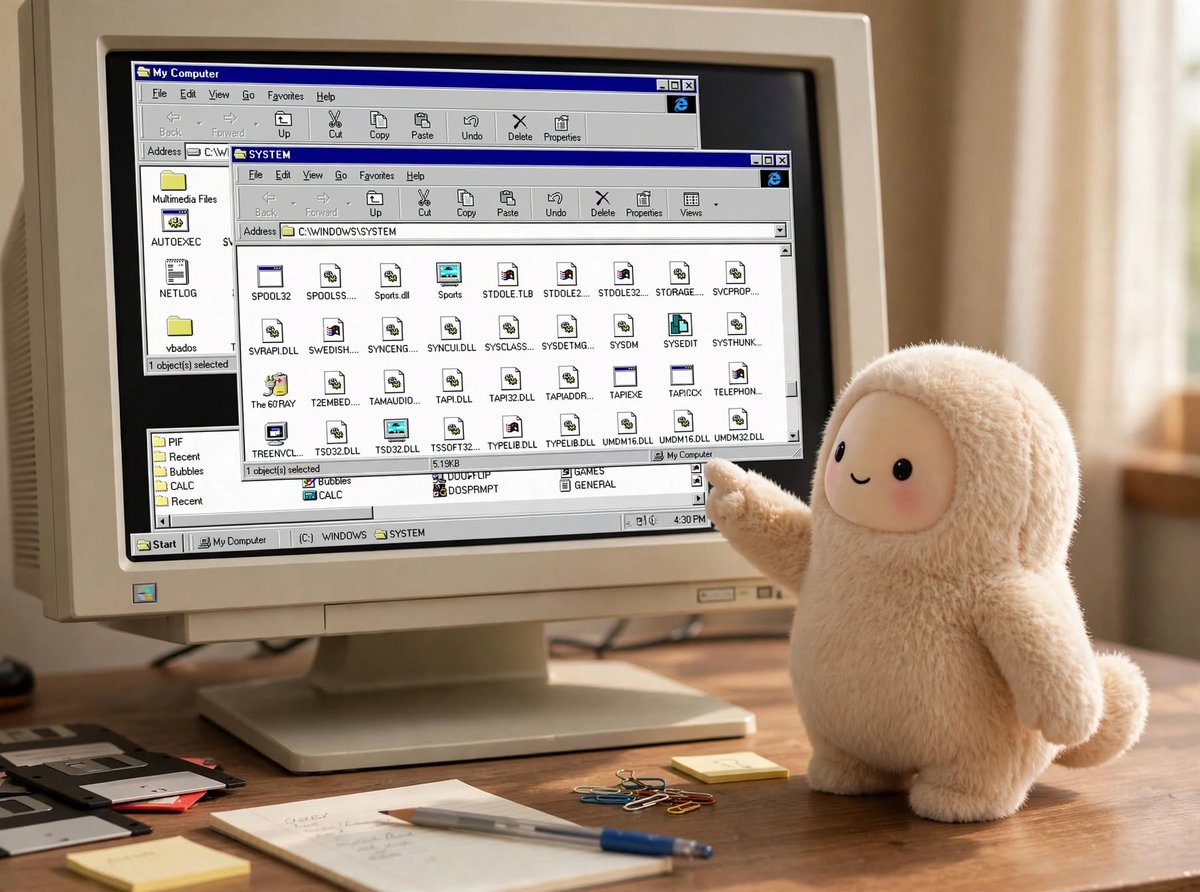
If I may geek out a little here for a second… As a kid I loved to take things apart to see how they worked. As a teenager I got into computers and soon found myself drawn to C:\WINDOWS\SYSTEM and the system registry, later Slackware’s /dev/, /proc/ etc – I could see how the system was laid out and as I explored what DLL files and .so files actually did, I gradually became able to meld the computer to my own will.
We’re really proud to be able to put a real computer in millions of people’s hands with a similar level of transparency. We built a file explorer right into the Library tab of the UI. We want you to be able to see the markdown files Muse writes while it thinks about how to serve you better, and explore the internals of the system if you’d like to.
So, when you ask your Muse to show you its entire filesystem, and receive gigabytes of files you’re seeing the full contents of the runtime cell. It’s yours to explore and enjoy!
If you’re not a geek like me, or simply want to download the data that you personally have created directly with your Muse, we added a feature for that too in Settings > Data controls > Download your agent data.
[🔗 View Quoted Tweet](https://x.com/dps/status/2103161493722419334)